
MacBooks are among the most in-demand devices for both work and personal use, primarily because of their user-friendly interface and robust security. They also have their sleek, minimalist design going for them. So if you’ve finally given in and bought yourself a MacBook, you’ll want to make the most of your new toy — and here’s how you can do that.
Improve your new MacBook’s functionality with these tips
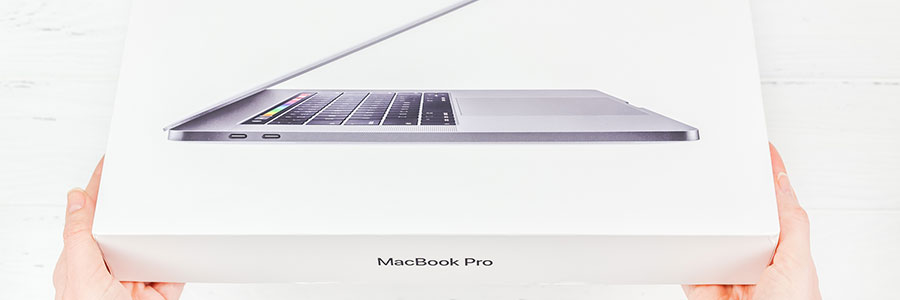
Myth busted: Macs are NOT immune to viruses

It is common knowledge that Windows computers tend to deal with an assortment of viruses and malware, but many people fail to realize that even Macs face similar threats. As virus creators have become more adept at finding back doors and other vulnerabilities, more and more Macs have also fallen prey to malware.
Helpful Mac keyboard shortcuts you should be using

Pointing and clicking with a mouse is great. There are times, however, where using the mouse to perform simple tasks interrupts productivity and slows you down. Try these helpful Mac keyboard shortcuts to help you work more efficiently.
Minimizing (or “Docking”) the front app window: Command + M
Use this combination when you have several apps, browsers, or Finder windows open and want to minimize the active one.
All about macOS Catalina

macOS Catalina’s October 2019 rollout is only a few days away, and many can’t wait to see what the new and improved operating system has in store. Here are some of the features to look out for in Catalina.
Before you download macOS Catalina, make sure your device meets the system requirements.
5 Cool features of macOS Catalina

macOS Catalina is the latest version of Apple’s operating system for Mac computers. From three new apps for managing music, podcasts, and your favorite movies and TV shows to productivity- and creativity-boosting programs, Catalina offers a myriad of exciting features that will enhance overall user experience.
How to tell if your Mac has a virus

Apple products often come with an air of invincibility, and through the years, they’ve shown resistance to threats in ways Microsoft computers aren’t privy to. This, however, does not mean that Macs aren’t invulnerable.
Viruses that affect Macs
There are four general virus types that hit Apple products, and their effects can range from merely annoying to downright destructive:
Adware
Adware are unwanted programs that bombard users with pop-up advertisements.
Useful tweaks for your new MacBook
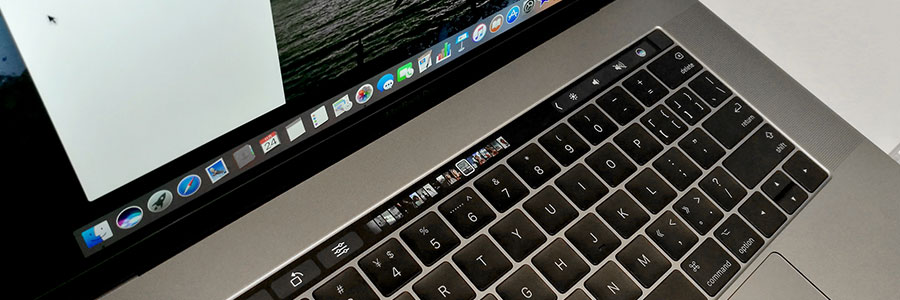
Like other Apple products, MacBooks are notoriously expensive, especially compared to their Windows counterparts. But as legions of personal and business users will tell you, a MacBook is well worth the price. And to make sure you get the most bang for your buck, you need to set it up properly by tweaking these settings.
Keyboard shortcuts Mac users need to know

Some Mac users have been using their computers for years without learning many of the most useful keyboard shortcuts. That’s fine, but knowing them would definitely make life much easier. Here are some of the most useful ones you should learn now.
Minimizing (or ‘Docking’) the front app window: Command M
Use this combination when you have several apps, browsers, or Finder windows open and want to minimize the active one.
KRACK patch on macOS High Sierra

Together with a new batch of emojis, the latest macOS update comes with security, stability, and reliability improvements. As usual, Apple recommends that Mac users update to macOS 10.13.1 High Sierra, and with good reason: It includes an essential patch to the recently discovered WiFi security vulnerability, KRACK.
Why you should update now
Foremost on Apple’s list of macOS updates is the addition of 70 new emojis.
Features and fixes on macOS High Sierra

iMac and MacBook users can download macOS High Sierra, Apple’s newest operating system that boasts better performance, improved features, and security patches. The new OS has plenty of major and minor updates, but here are some notable features that business users will be excited to hear about.
- 1
- 2