
You can squeeze more time out of your iPhone battery with a few targeted changes. Adjust some settings once and keep a few simple habits in mind for those moments when you need your battery to last longer. These small changes can make every charge go further.
iPhone battery draining too fast? These 6 adjustments can help
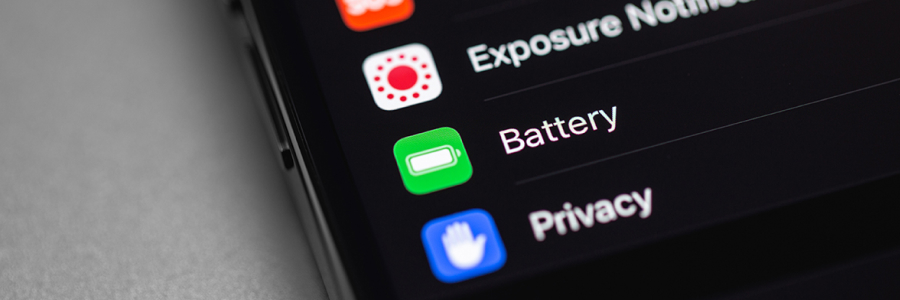
Make your iPhone battery last longer with these pointers

iPhone batteries are notorious for draining rather quickly, a natural outcome of having a convenience-centered user experience. Fortunately, there are some things you can do to help limit this drain and maximize its usefulness per charge. Read all about them below.
Ways to get the most out of your MacBook’s battery life and life span

A reliable battery life is crucial for staying productive, especially for small- and medium-sized business owners who rely on their MacBooks for work. Maximizing your MacBook's battery life not only ensures uninterrupted workflow but also extends the life span of your device.
Key features to look for in a laptop for remote work

More and more businesses are embracing remote work options, allowing employees to work from anywhere with an internet connection. However, to have a successful remote work setup, you need to have the right tools. The most important tool? Your laptop.
Keep your iPhone battery alive with these tips

There’s nothing worse than having a low iPhone battery when you’re working remotely without an outlet nearby. Luckily, there are several tips you can use to extend your smartphone's battery life. Here are six that prove invaluable.
1. Activate Low Power Mode
When you switch on Low Power Mode, it automatically adjusts several settings to extend the life of your battery.
Why you shouldn’t use public charging kiosks

Smartphones have become a vital part of modern life. And as we spend more time on these gadgets, the likelihood of needing to recharge them while on the go increases. When your phone’s juice runs out and you’re nowhere near your charger, a public charging kiosk can look pretty promising.
How to extend your iPhone’s battery life

If you’re working out of the office or house, you never want to be in a situation where your iPhone is almost out of battery. A dead smartphone can mean missing important calls and being unable to send crucial updates to the team. But with some careful preparation combined with the tips below, you can avoid these issues in the first place.
How to extend your laptop battery life
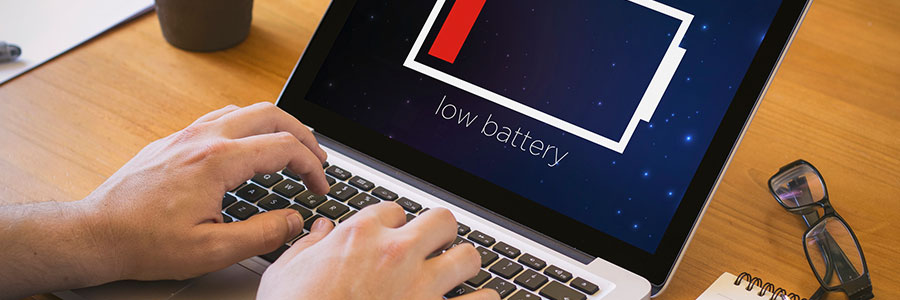
One of the top considerations in choosing where to work with your laptop is the availability of a power socket. If you are not lucky enough to find an available outlet, you’ll have to depend on your laptop’s battery — assuming it still has enough power after your last charge.
How to extend your iPhone battery life
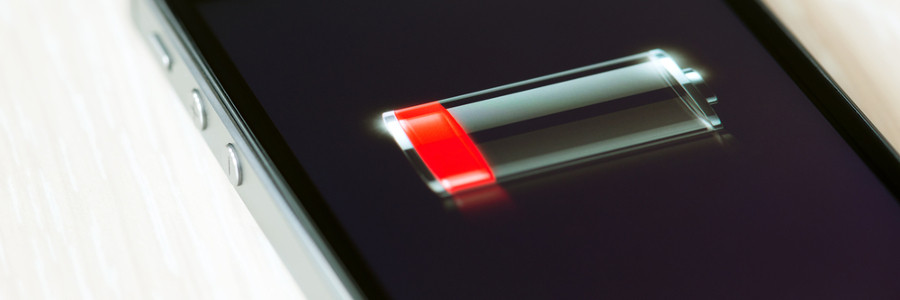
We’ve all been there. Your iPhone battery is under the fifty percent mark and you won’t be anywhere near an outlet for the next few hours. So what do you do? How can you ensure your iPhone won’t run out of juice in the meantime? Well, there are few settings you can adjust to add a few more hours to your battery life.
3 great upgrades to Chrome this month

Unlike the release schedule of the Android operating system, new versions of the Chrome browser come out so often that they’re distinguished only by the version number. The most recent release is number 57, and it packs a little more wallop than the average upgrade.
- 1
- 2