
Working from home can quickly become frustrating when your connection keeps dropping or essential online services take too long to load. Slow Wi-Fi can interrupt meetings, delay tasks, and make simple work feel harder than it should. To make your day run more smoothly, start with these simple ways to strengthen your home Wi-Fi.
Optimize router placement
Wireless signals lose strength when they pass through walls, floors, furniture, and appliances, so a router hidden in a cabinet or placed behind a TV may not give you the coverage you need.
How to make your home Wi-Fi faster and more reliable

How to give your home Wi-Fi a boost

As businesses continuously adopt remote work arrangements, having fast and reliable home Wi-Fi connections is a must. Unfortunately, home Wi-Fi connections don’t offer the same level of performance as enterprise-grade ones, so you may suffer dropped Wi-Fi signals while you’re attending online meetings or finishing up a report.
Simple tips to give your home Wi-Fi a boost

More people are working from home these days, which means a fast, reliable Wi-Fi connection is vital. If all the home Wi-Fi boosting tips you’ve seen on the internet have been to no avail, it’s probably time to take a look at the hardware you’re using.
Boosting home Wi-Fi with wireless repeaters and access points
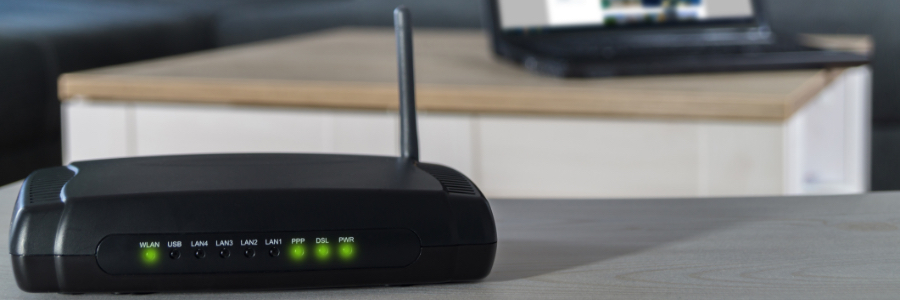
Fast, reliable Wi-Fi is a business necessity, whether you’re working in an office or at home. Now that more and more people are working remotely, having good home Wi-Fi is more important than ever. A wireless repeater device and additional access points may just be what you need to ensure a stable and lightning-fast wireless connection throughout your home.
Watch out for the huge KRACK in WiFi security!

A fundamental flaw with WiFi networks has recently been discovered by two security researchers. According to their reports, the KRACK vulnerability renders advanced encryption protocols useless and affects nearly every wireless device. Read on to find out more about KRACK hacks and how you can defend against them.