
Say goodbye to manual tasks. Learn how Copilot in OneNote helps you automate your workflow, streamline content organization, and create study materials. Here are nine powerful ways to unlock Copilot’s full potential.
Summarize and simplify notes
Copilot can condense your notes into digestible summaries.
How Copilot enhances your OneNote experience

10 mistakes to avoid for better productivity and efficiency on a Windows PC

Do you feel like you're not getting the most out of your Windows PC? A few simple tweaks to your daily habits can improve your workflow, reduce wasted time, and help you work faster. In this article, we’ll walk through 10 common habits to break and share tips on how to use your computer more efficiently.
Beyond the basics: Mastering essential Excel features in Microsoft 365

Excel has always been a powerful tool for anyone working with data, and with Microsoft 365, it has only become even better. Whether you're handling financial reports, analyzing trends, or simply organizing information, the latest updates to Excel make it faster, more versatile, and collaborative.
Microsoft Power Automate: Say goodbye to repetitive manual tasks

As a small-business owner, your time is incredibly valuable. Every minute spent on tasks that don't directly contribute to your core business is a minute lost. If you're tired of manually sending emails, moving files around, or entering the same information in multiple places, there's a solution.
Increasing business efficiency with Microsoft 365 Copilot AI agents

AI (artificial intelligence) has come a long way from its early days of powering chatbots and automated emails. With Microsoft’s new Copilot Studio, the evolution continues through AI agents designed to function as digital coworkers that proactively manage tasks and offer smart solutions.
Preparing for the transition as Windows 10 support ends in October 2025

Since its launch in 2015, Windows 10 has served millions of users. However, Microsoft will officially end support for the operating system in October 2025. Don’t worry, there are plenty of options available to transition. Let’s take a closer look at your choices before time runs out.
5 Ways to get the most out of Microsoft Copilot

Microsoft Copilot offers a powerful set of AI-driven features across multiple platforms, from Windows to Bing and mobile apps. But simply having access to the technology isn’t enough; you need to know how to use it effectively. In this article, we’ll discuss strategies to help you maximize your Copilot experience and achieve better results.
Master Windows like a pro with PowerToys
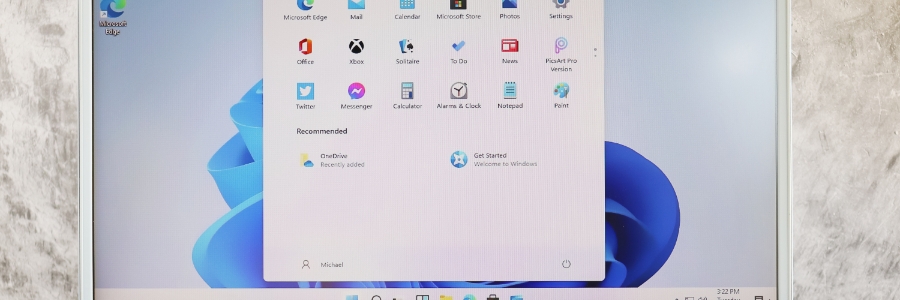
Are repetitive and inefficient tasks holding you back? Windows PowerToys is here to help. In this guide, we’ll discuss Microsoft's free suite of utilities designed to streamline your workflow and enhance your Windows experience, empowering you to work more efficiently and effectively.
Mastering Outlook in Microsoft 365

Are you using Outlook in Microsoft 365 to its full potential? With so many powerful features, it’s easy to overlook tools that can make a big difference. This guide highlights Outlook's key features that can boost your efficiency and keep your inbox organized.
3 Easy ways for SMBs to purchase Microsoft 365 Copilot

Are you ready to unlock the power of artificial intelligence (AI) for your small or medium-sized business (SMB)? Microsoft 365 Copilot can help you increase productivity, reduce costs, and gain a competitive edge. With three new flexible purchasing options, it's easier than ever to bring Copilot into your SMB and start experiencing the benefits of AI.
What is Microsoft 365 Copilot?
Microsoft 365 Copilot integrates advanced AI tools directly into familiar Microsoft applications such as Word, Excel, PowerPoint, Outlook, and Teams.