
Few things are as important for your Windows PC as keeping it up to date, and Windows Update is the gateway to a smoother, safer computing experience. However, it's not always a seamless process. If you're battling persistent update failures or perplexing error codes, don't despair.
Decoding Windows Update errors: A step-by-step troubleshooting guide

Preparing for the transition as Windows 10 support ends in October 2025
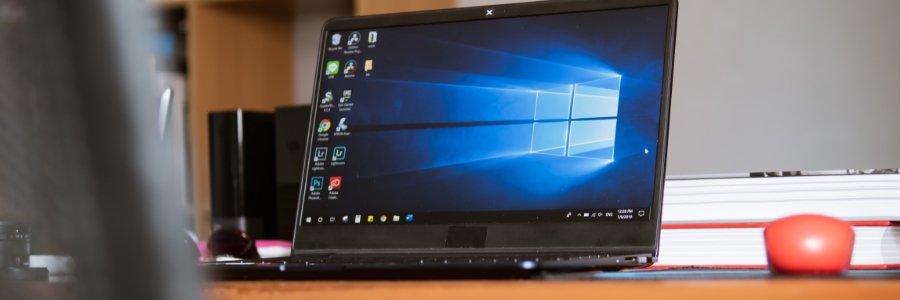
Since its launch in 2015, Windows 10 has served millions of users. However, Microsoft will officially end support for the operating system in October 2025. Don’t worry, there are plenty of options available to transition. Let’s take a closer look at your choices before time runs out.
Learn how to fix these 7 annoying Windows features
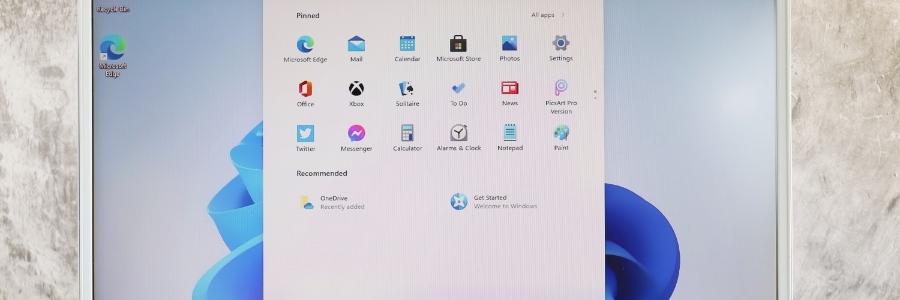
Windows comes with a plethora of default settings that aren't to everyone's taste and many users find extremely irritating. This guide helps you cut out many of the annoying Windows features so you can boost your productivity and bring peace back to your digital workspace.
How to fix Windows 10/11 printing problems

Printing issues can be exceptionally exasperating. Just as you urgently have to print a hard copy of a document, some problem arises. This frustration is amplified when the issue is not the printer, but your computer. Even the typically dependable Windows 10 and 11 have been known to suffer printing problems.
How to back up and restore your data in Windows 10
Data loss can affect anyone. In fact, data stored on your Windows 10 computer can disappear in the blink of an eye. Backing up your data is the best defense against data loss, regardless of whether it’s due to a malware attack, hardware failure, or a natural disaster.
Handy keyboard shortcuts for Windows 10 and 11 users

Windows 10 and 11 are packed with various features that make it easier for users to accomplish their tasks. Among these features are time-saving keyboard shortcuts. In this blog, we’ve compiled our favorite ones that you might find useful.
Snap
Snap allows you to put two to four windows side by side, making it easier to compare documents or do two things at the same time.
Windows Hello makes logging in hassle-free

Biometric access used to be the stuff of sci-fi movies, but Microsoft has turned it into everyday reality for Windows 10 and 11 users. Thanks to a feature called Windows Hello, users can now log into their devices via face, fingerprint, or iris scan, or PIN code entry.
Should you upgrade to Windows 11?
Windows 11 is here, and many users are wondering whether they should upgrade. The new Microsoft operating system (OS) introduces quite a few nifty features, but it also has its share of controversies. So, should you take the plunge? Here are some things you need to know before making that decision.
Windows 11 FAQs: What you should know about before upgrading
With an adoption rate of less than 9%, Windows 11 isn’t currently as popular as its predecessor, Windows 10. But this doesn’t mean it’s less functional. Get to know the latest Microsoft operating system (OS) and you might just be persuaded to upgrade.
Disk Cleanup can make your slow PC fast again
The Disk Cleanup tool is a nifty feature that weeds out unneeded files such as cached web pages, temporary files, and deleted items in your Recycle Bin. Disk Cleanup can also determine which files can be removed from your hard disk to free up space. If you notice your Windows PC slowing down or performing below its optimal level, such files are likely the culprit.