
Security should be a top priority on Windows PCs, but it doesn’t have to be complicated. This article outlines 10 practical ways to protect your devices from common threats, ensuring robust protection across the board.
Use stronger passwords
Passwords are often the first and easiest target for cybercriminals.
How to strengthen Windows security in 10 steps

Essential updates to bolster Windows resilience

In the wake of the 2024 CrowdStrike incident, which rendered countless Windows PCs unusable, Microsoft is rethinking how Windows handles critical system-level disruptions. The Windows Resiliency Initiative moves away from reactive bug fixes toward a proactive, strategic overhaul to reinforce the operating system's ability to survive technological emergencies.
Stop doing these 10 things in Windows — here’s what to do instead

Think your Windows routine is solid? Think again. A surprising number of users still fall into outdated, risky, or just plain inefficient habits. This guide breaks down the worst Windows missteps and gives you simple, effective ways to stay secure and productive.
10 mistakes to avoid for better productivity and efficiency on a Windows PC

Do you feel like you're not getting the most out of your Windows PC? A few simple tweaks to your daily habits can improve your workflow, reduce wasted time, and help you work faster. In this article, we’ll walk through 10 common habits to break and share tips on how to use your computer more efficiently.
Decoding Windows Update errors: A step-by-step troubleshooting guide

Few things are as important for your Windows PC as keeping it up to date, and Windows Update is the gateway to a smoother, safer computing experience. However, it's not always a seamless process. If you're battling persistent update failures or perplexing error codes, don't despair.
Preparing for the transition as Windows 10 support ends in October 2025

Since its launch in 2015, Windows 10 has served millions of users. However, Microsoft will officially end support for the operating system in October 2025. Don’t worry, there are plenty of options available to transition. Let’s take a closer look at your choices before time runs out.
Master Windows like a pro with PowerToys
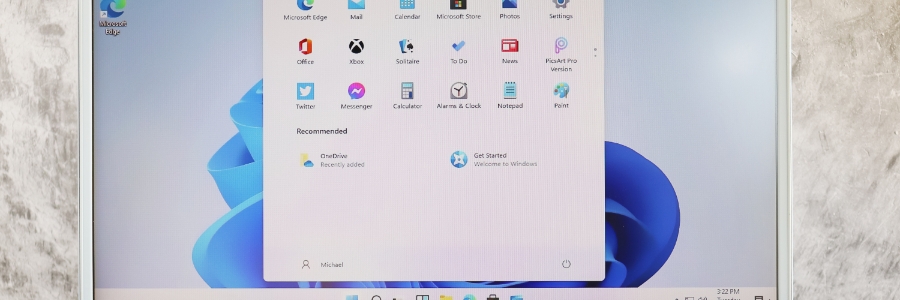
Are repetitive and inefficient tasks holding you back? Windows PowerToys is here to help. In this guide, we’ll discuss Microsoft's free suite of utilities designed to streamline your workflow and enhance your Windows experience, empowering you to work more efficiently and effectively.
Tired of AI? 5 Ways to minimize AI interactions in Windows and your browser

Artificial intelligence (AI) is rapidly becoming a staple of modern technology, with Microsoft integrating Copilot into Windows and Google enhancing search results with AI-generated answers. While these advancements aim to enhance usability, they can sometimes feel more intrusive than helpful.
Unleash the hidden power of Task Manager in Windows 11

Go beyond the basics with this in-depth guide to Windows 11's Task Manager. Uncover hidden features, learn advanced troubleshooting techniques, and gain expert control over your system's performance and resource utilization.
Unlocking Task Manager's potential
When you launch Task Manager with Ctrl + Shift + Esc, there are several features you might not be using.
How to resolve Windows issues with an in-place upgrade install
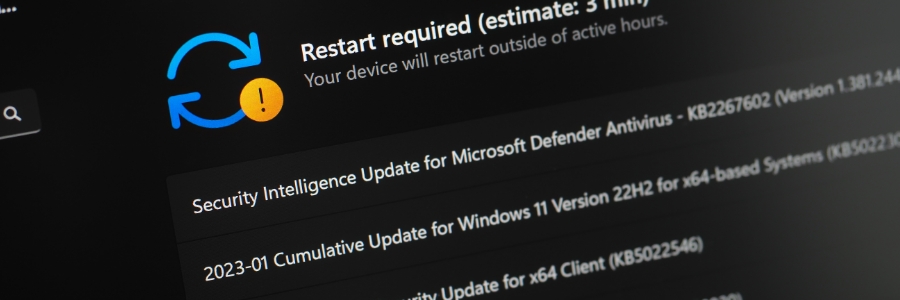
Is your Windows computer acting sluggish, displaying strange errors, or refusing to cooperate? Before resorting to a full reinstall, try installing a Windows in-place upgrade. This simple process can fix many common issues without wiping your data.
What is a Windows in-place upgrade install?
A Windows in-place upgrade refreshes your operating system without deleting your personal files, settings, or installed applications.