
Switching from a PC to a Mac can feel like a big undertaking, but Windows Migration Assistant makes it far more manageable. Rather than copying files one by one or reentering account details by hand, the tool transfers your data — including files, email, contacts, and select applications — directly from your PC to your new Mac over a shared network connection.
A guide to using Windows Migration Assistant for PC to Mac migration

How disk cleanup can unlock better PC performance

It can be frustrating to work on a sluggish computer, especially when your tasks require speed and high performance. Fortunately, there’s a simple way to fix this issue. If your system is bogged down by unnecessary files, it may be time for a disk cleanup.
How to build a custom PC from scratch
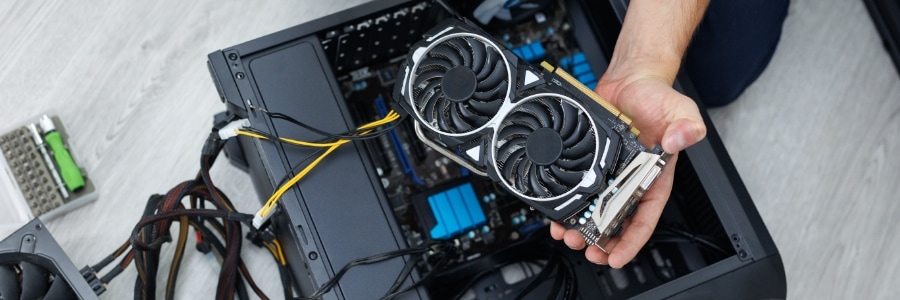
Building your own PC lets you customize every aspect of your system. In this blog, we’ll provide step-by-step instructions and expert advice to make sure your first build goes smoothly.
Start with a plan
Before jumping into shopping or assembling your PC, you should first consider three key factors: your primary use case, budget, and available physical space.
Decoding Windows Update errors: A step-by-step troubleshooting guide

Few things are as important for your Windows PC as keeping it up to date, and Windows Update is the gateway to a smoother, safer computing experience. However, it's not always a seamless process. If you're battling persistent update failures or perplexing error codes, don't despair.
Proprietary vs. open-source VoIP: Which one is best for my business?

When choosing a VoIP solution for your business, it is important to consider the pros and cons of both proprietary and open-source systems. In this blog post, we will compare and contrast these two types of VoIP, highlighting the key differences and helping you determine which one is the best fit for your organization.
How to remove bloatware in Windows 11
Tired of your Windows 11 laptop or desktop running slower than it should? It might be time to tackle the bloatware that's slowing it down. In this guide, we'll show you how to identify and remove unwanted preinstalled apps, freeing up valuable resources and improving your overall PC experience.
How to reduce your PC’s energy usage

Did you know that a desktop computer setup, complete with loudspeakers and a printer, can use almost 600 kWh each year if it's on for eight hours daily? Luckily, by following some simple tips, you can cut down on your electricity usage.
Adjust your monitor’s brightness
Most modern monitors come with built-in sensors that automatically adjust screen brightness based on the ambient light in the room.
Simplifying the switch: How to use Windows Migration Assistant to transfer data from PC to Mac
Transitioning from a Windows PC to a Mac doesn't have to be complex and time-consuming. Apple's Windows Migration Assistant is designed to simplify the switch by streamlining the data transfer process. In this step-by-step guide, we'll explore how to use Windows Migration Assistant to transfer your important files, applications, and settings to your new Mac.
Navigating Windows 11: Ways to optimize for faster operations
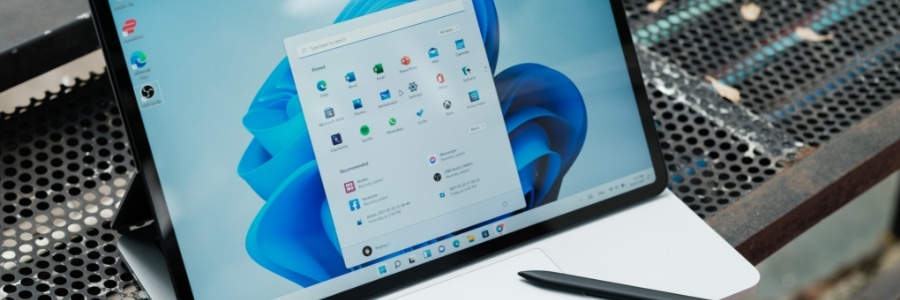
Whether you're running a small business or managing a large enterprise, the efficiency of your operations can often hinge on the performance of your computer systems. If you've recently upgraded to Windows 11, you might be in search of ways to optimize your system for smoother, faster performance.
Declutter your computer with these tips

Is your Windows PC experiencing a noticeable slowdown? The culprit behind this might be the clutter that has accumulated in your system over time. This can significantly impair your computer's performance and hog valuable memory resources. To restore your computer's optimal speed and efficiency, it's crucial to tackle and eliminate PC clutter effectively.