
Hackers rarely break into networks through the front door. They usually sneak in through forgotten office equipment running obsolete code. The factory-installed programming on your devices needs regular patching to stay secure. Maintaining these systems might seem tedious or disruptive to your daily tasks, but neglecting them actually poses a massive risk to your entire organization.
Stop ignoring device firmware updates

9 Easy ways you can improve Windows 11 performance

There’s a lot to love about Windows 11: refined aesthetics, deeper integration with cloud apps, and productivity-focused updates. However, with more advanced features comes more demand on system resources. If your computer wasn’t built to run a resource-hungry operating system, you might notice performance dips.
Enhancing business security: The power of firmware updates

Are you doing everything to protect your business from cyberthreats? You may have overlooked one crucial area: firmware updates. Read on to discover why these updates are key to fortifying your business’s security.
What does firmware do?
Before we dive into the significance of firmware updates, it's crucial to understand what firmware is and its role in the overall functionality of devices.
4 Tips to safeguard your Mac

Over the years, there are more and more cyberthreats targeting Mac devices. This is why businesses must implement security measures that can keep their Macs protected. Follow these tips to keep your Mac safe.
1. Adjust your privacy settings
Review and manage your privacy settings by going to Apple menu > System Preferences > Security & Privacy > Privacy.
Update your firmware to secure your business

If you're like most business owners, you're always looking for ways to keep your business secure. One way to do this is by keeping your firmware up to date. In this blog, we'll explain why it's important to update your firmware to secure your business.
Why you should update your firmware
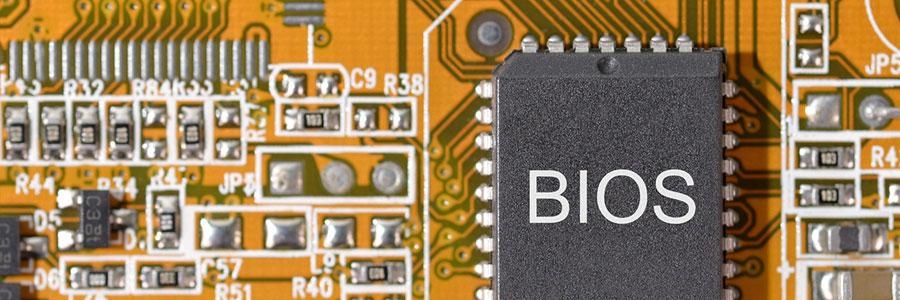
These days, cyberattacks are inevitable for any and all businesses, regardless of size or sector. Businesses that use computers with outdated firmware are particularly vulnerable to an attack and all the security risks associated with it.
What is firmware?
Firmware is a basic type of software that is embedded into every hardware component in computers, computer peripherals (e.g., keyboards, mice), printers, mobile devices, and Internet of Things devices.
Keep security threats out of your Mac

The hearsay that Macs cannot be infected by viruses or malware couldn’t be further from the truth. There are plenty of cyberthreats that pose risks to Macs, so if you’re a Mac user, you should prioritize your device’s security. The good news is that protecting your Mac is simple and easy.
Have you updated your firmware yet?
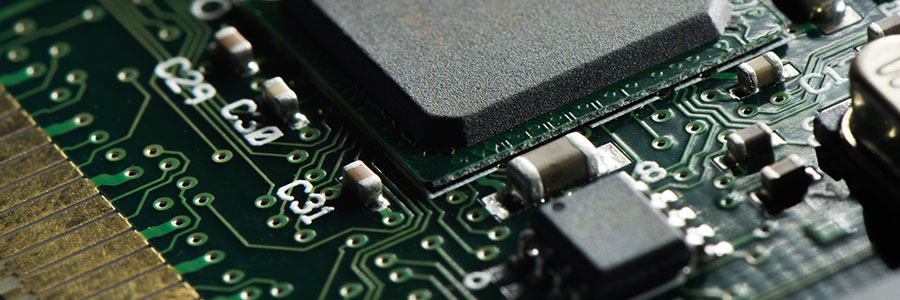
When was the last time you checked if the firmware of your gadgets are up to date? If it has been a while, then you need to do so right away. This is because you might be using outdated firmware, and doing so makes you vulnerable to data breaches and other cyberattacks.
Have you updated your firmware yet?
You can find firmware everywhere, from a tiny networked LED light bulb to the biggest data center. This code is powerful because it controls the device it’s installed on. If your firmware is outdated, it can be used to spy on your environment, steal or corrupt your data, or even damage the system it’s controlling.
Simple security tips for Mac devices

Contrary to what you may believe, cyberthreats don’t only target Windows computers. Even small-business users can click a seemingly harmless link and become a victim of a cyberattack. If you don't want this to happen to you, there are a few simple things you can do.
- 1
- 2