
A virtual private network (VPN) can protect your data, improve online privacy, and secure remote connections, but not every provider delivers the same level of protection or performance. It pays to consider factors such as encryption standards and customer support.
Key factors to evaluate before choosing a VPN service

How to secure your webcam on Windows PCs
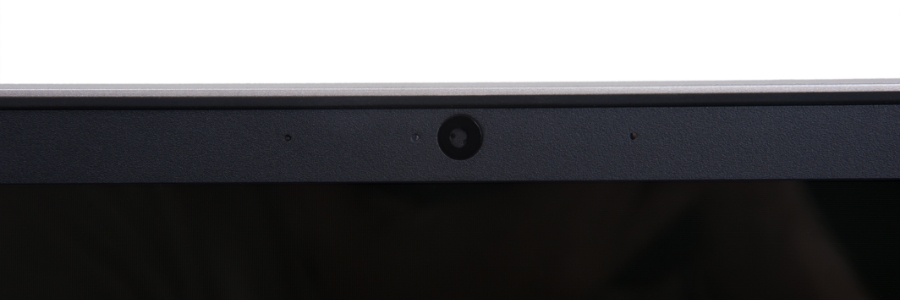
Webcam hacking has become a serious issue in recent years. Hackers can gain access to your webcam without your knowledge, allowing them to monitor your activities, record private conversations or take compromising photos or videos. This invasion of privacy can have devastating consequences for individuals and businesses alike.
Protecting your SMB from cyberattacks: Know your enemy
Small and medium-sized businesses (SMBs) often face challenges in protecting their IT systems from cyberattacks. One of the most important steps that SMBs can take to solve such issues is to be aware of the most common ways their systems can be breached.
Uncovering the risks of password autofill
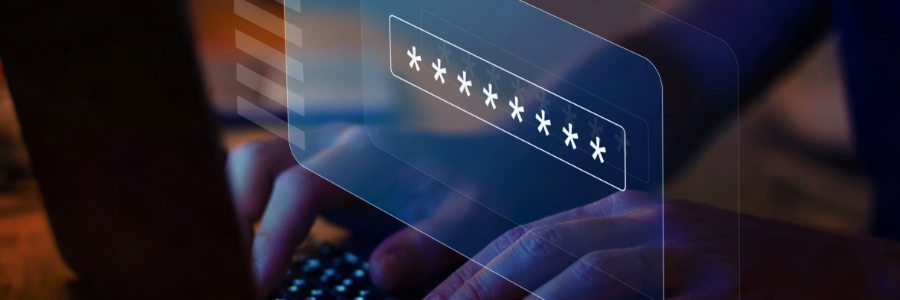
Convenience reigns supreme in the digital age, and password autofill is a major part of that. But what many people don't realize is that using this feature can actually put their personal data at risk. By understanding why password autofill is so dangerous, you can take steps to safeguard your sensitive information from malicious hackers.
VPN: Why it’s important and how to pick one
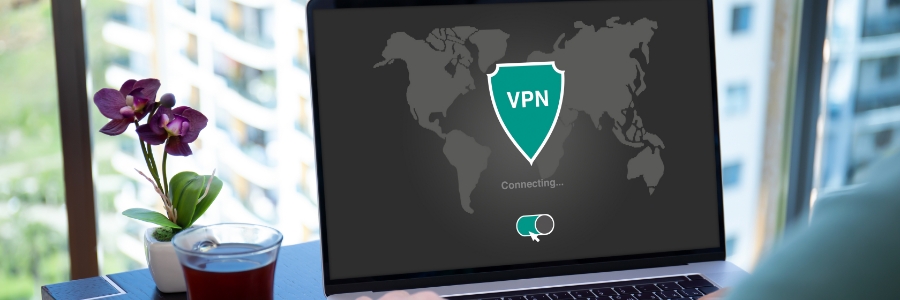
In the past, having an antivirus program was enough to keep you protected while surfing online. However, that's no longer the case today. To keep your online activity private from third-party businesses and prevent hackers from intercepting your data, you need to invest in a virtual private network (VPN).
What is a VPN?
A VPN creates an encrypted tunnel between your device and the internet, keeping you safe from hackers looking to intercept your data and any third parties that want to monitor your online activities.
5 Practical privacy tips for iPhone texting
As a business owner, it's crucial to keep your communications private. Whether you're sending sensitive client information or just trying to keep your personal and work lives separate, there are several ways to make sure your text messages stay out of the wrong hands.
How to secure your personal information on Facebook and Twitter
Millions of people use social media every day to stay connected with friends, family, colleagues, customers, and more. However, many don’t realize that they are also putting their personal data at risk by not taking the proper precautions to safeguard their accounts.
Windows Hello makes logging in hassle-free
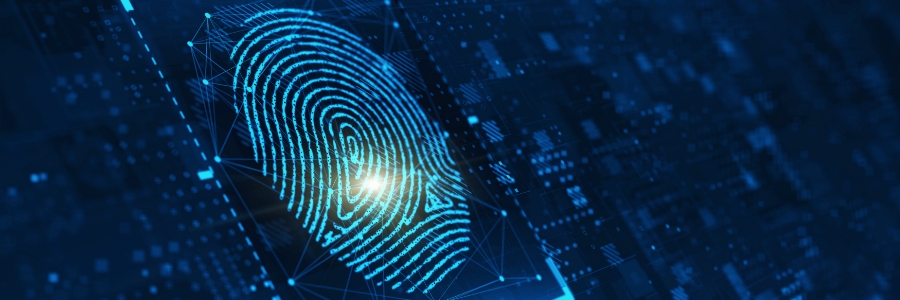
Biometric access used to be the stuff of sci-fi movies, but Microsoft has turned it into everyday reality for Windows 10 and 11 users. Thanks to a feature called Windows Hello, users can now log into their devices via face, fingerprint, or iris scan, or PIN code entry.
Turn off these Windows 11 settings to protect your privacy
Windows 11 helps users by giving useful suggestions as they type and by displaying ads based on their online searches. But these can feel invasive, especially if you don’t want anyone prying into your online activity. To ensure your privacy and keep Microsoft’s watchful eye off your computer activity, follow these tips.
Why password autofill is risky
Many people use password autofill on their web browser or password manager for convenience. The feature, however, can be used by hackers and advertisers to access user accounts and gather your sensitive information without your consent.
Why password autofill is so dangerous
Modern web browsers and password managers have a feature that enables usernames and passwords to be automatically entered into a web form.