
It can be frustrating to work on a sluggish computer, especially when your tasks require speed and high performance. Fortunately, there’s a simple way to fix this issue. If your system is bogged down by unnecessary files, it may be time for a disk cleanup.
How disk cleanup can unlock better PC performance
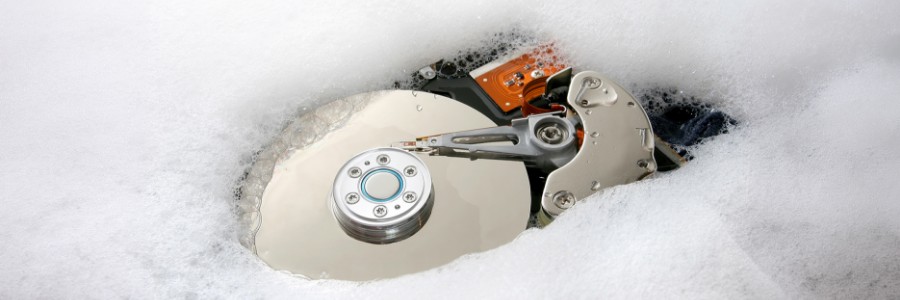
New platform, new requirements: Virtualization and storage after VMware

When VMware, a leading virtualization provider, changed hands and its licensing model grew more complex, many IT teams began asking the same question: What are the alternatives? But switching to a new virtualization platform isn’t as simple as choosing different software.
How to build a custom PC from scratch
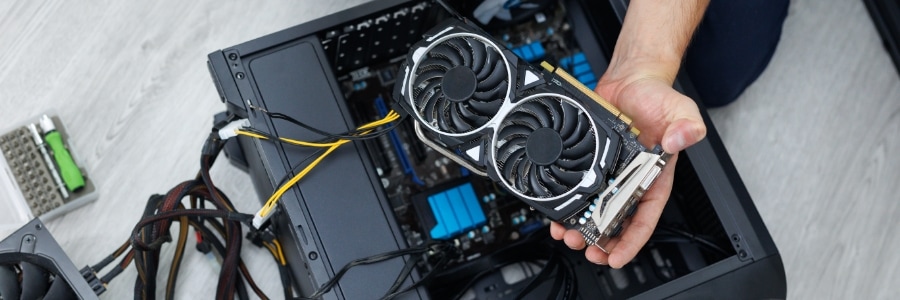
Building your own PC lets you customize every aspect of your system. In this blog, we’ll provide step-by-step instructions and expert advice to make sure your first build goes smoothly.
Start with a plan
Before jumping into shopping or assembling your PC, you should first consider three key factors: your primary use case, budget, and available physical space.
How to distinguish between an HDD and an SSD drive
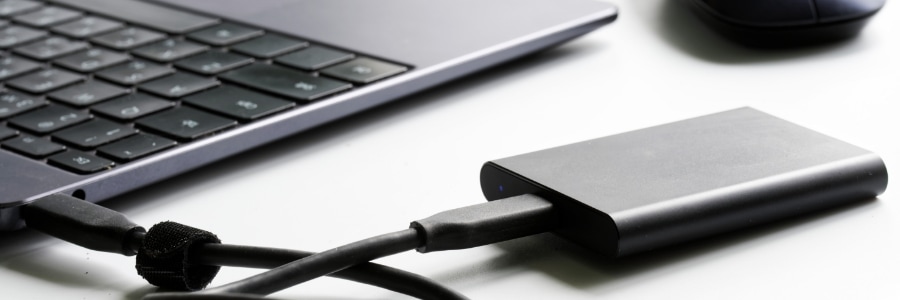
Looking to boost your device’s performance? Choosing the right storage drive can make all the difference. In this post, we’ll break down the pros and cons of HDDs and SSDs, so you can find the best option based on your needs and budget.
What is an HDD?
An HDD is a spinning hard disk that reads and writes data on a metal platter with a magnetic coating.
The benefits of upgrading your Mac with an SSD
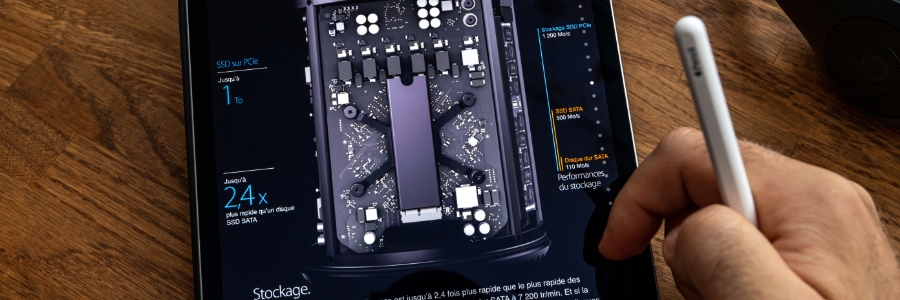
If your once snappy Mac now feels like it’s dragging its feet, a solid-state drive (SSD) upgrade could be just the thing that will breathe new life into it. But even if your Mac is still running pretty well, the benefits of an SSD upgrade may convince you to make the switch from a hard disk drive (HDD). Here’s a look at some of the key advantages of SSDs over HDDs.
SSDs are more reliable
All types of disk drives are more likely to fail with age, but SSDs are more resistant to age-related degradation than HDDs. This is because most modern SSDs use NAND flash memory, which is not as susceptible to the wear and tear that HDDs experience with their spinning disks.
What’s the difference between HDD and SSD?
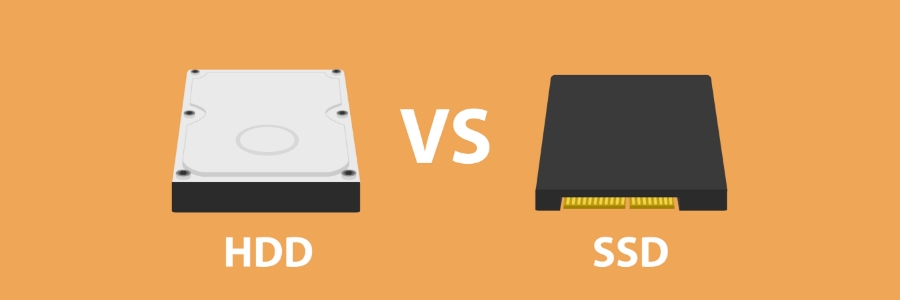
Hard disk drives have been the predominant storage device for desktop computers and laptops for a long time. But solid state drives (SSDs) are now quickly becoming the norm. If you’re choosing between the two, it's important to know their differences so you can get the one that best fits your needs.
5 Useful tips for speeding up Windows 10 updates

Windows 10 updates come with security patches, new features, and other performance improvements, so it’s critical that you install them as soon as they become available. Unfortunately, downloading the necessary files can take ages if you haven’t optimized your operating system.
What is the difference between HDD and SSD?
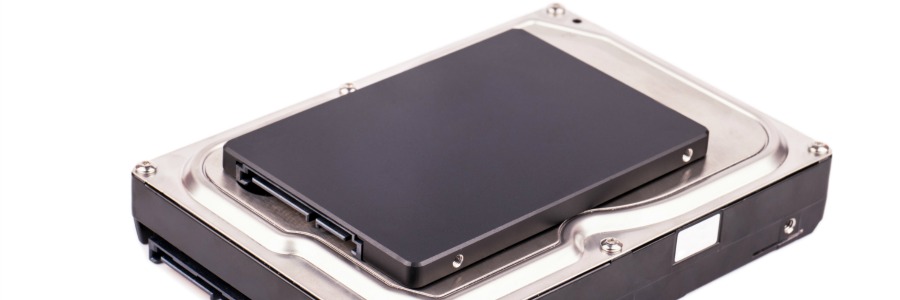
The standard hard disk drive (HDD) has been the predominant storage device for desktop computers and laptops for a long time. However, computers with solid state drive (SSD) technology are quickly becoming the norm. If you’re looking to upgrade your hardware, you need to know the difference between HDD and SSD.
What is an HDD?
An HDD is basically a storage device in a computer.
Comparing HDD and SSD
People who buy desktop or laptop computers today need to choose between getting a solid state drive (SSD) or a hard disk drive (HDD) as a primary storage component for their device. But which one is the better choice? In this article, we outline the differences between SSD and HDD, as well as their pros and cons, so you can make the right decision for your next purchase.
Tips for speeding up Windows 10 updates
Keeping up with Windows 10 updates is vital if you want your computers to have the latest features and security fixes. However, Microsoft’s operating system can take hours to update, especially if a significant change is being released. Fortunately, there are a few things you can do to speed things up.
- 1
- 2