
A clean installation of Windows 11 is a great way to get your computer running like new again. It involves completely erasing all the data on your hard drive and then reinstalling Windows from scratch, with no software or files left over from previous versions.
A quick clean installation guide for Windows 11

Here’s what to expect from Windows 11 in 2023
Microsoft is pushing forward with a multitude of noteworthy improvements for Windows 11 that are projected to become available via Moment updates, which began with Windows 11 version 22H2 in September 2022. In this article, we’ll discuss what you can expect from Windows 11 this year.
How to use Disk Cleanup to speed up your Windows PC
Do you feel like your Windows PC has been slowing down lately? If yes, it might be due to unnecessary files that have been accumulating on your computer. Thankfully, there’s an easy solution: Disk Cleanup. Read on to learn how you can use Disk Cleanup to speed up your PC.
What is the Disk Cleanup tool?
Disk Cleanup is a program designed to help users free up storage space on their computer by deleting temporary and any unneeded files that are taking up valuable disk space.
Say goodbye to Windows 11 bloatware

If you buy a new Windows 11 laptop or desktop, chances are it will come with pre-installed apps called bloatware. Bloatware can have a negative impact on your computer's performance and overall user experience. Here are tips on how to remove bloatware.
Microsoft unveils the first major update for Windows 11
Microsoft unveiled the first major upgrade for Windows 11 on September 20, 2022. Available in over 190 countries, Windows 11 version 22H2 comes with several new features to enhance productivity, security, and user experience. Read on to learn about these.
Removing ads in Windows 11: A step-by-step guide

If you’re using Windows 11, you might have seen ads and notifications pop up in unusual places such as File Explorer or the Start menu. This can be both distracting and annoying, and it can even hinder your productivity. Fortunately, there are several ways to get rid of these ads.
3 Ways to tweak Windows 11 settings
Windows 11 comes with a lot of great features, but one of the best ones is that it's highly customizable. So whether you’ve just upgraded to Windows 11 or have been using it for a while, read on for our tips on how to tailor it according to your preferences.
These Windows 11 keyboard shortcuts will make your life easier
Windows 11 has been around for almost a year now, and many Windows 10 users have upgraded to the latest operating system from Microsoft. Windows 11 comes with various new features and keyboard shortcuts to help you perform your tasks faster. Keep reading to find out how these shortcuts can make your life easier.
6 Features to set up on your Windows 11 laptop

Microsoft’s Windows 11 operating system (OS) offers a lot of improvements compared to its older OSes. Here are some easy steps you can follow to set up your Windows 11 laptop and enjoy its features.
1. Set up how your device checks for updates
New laptops usually automatically check for updates, but you can also manually do this.
Personalize your Windows 11 PC with these tips
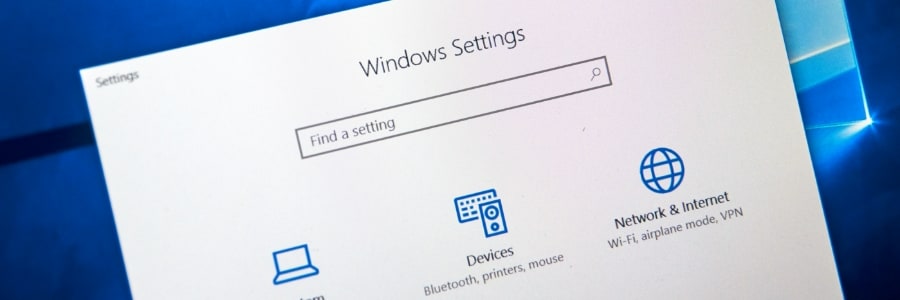
Windows 11 offers a wealth of customization features designed to provide users with a truly personalized and intuitive experience. Whether it’s changing the color of your windows or rearranging the apps on the newly designed Start menu, these features will make your Windows PC a better match for your needs and preferences.