
Planning to sell your used Mac? Make sure to delete all personal data and unlink from all accounts. Failing to do so could expose your sensitive information to the new owner. However, deleting files isn’t enough; you have to be thorough in your approach.
Safeguard your privacy: Cleaning your Mac for resale
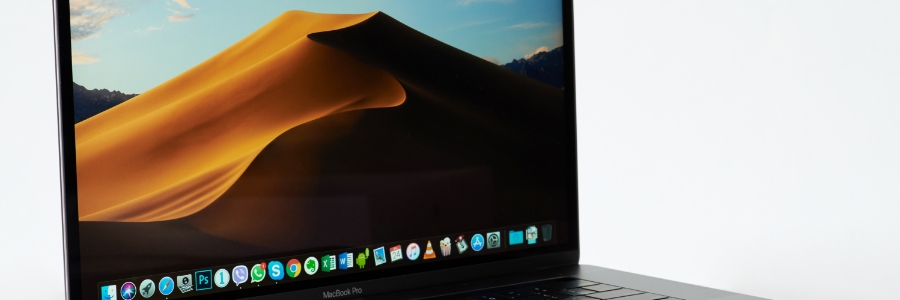
5 Effective tips for faster Mac performance
Over time, your Mac may start to slow down, turning even the easiest tasks into productivity drains. Luckily, you don't need to be an IT specialist to give your Mac a performance boost. In this article, you’ll discover top tips that can help you speed up your Mac.
Simplifying the switch: How to use Windows Migration Assistant to transfer data from PC to Mac
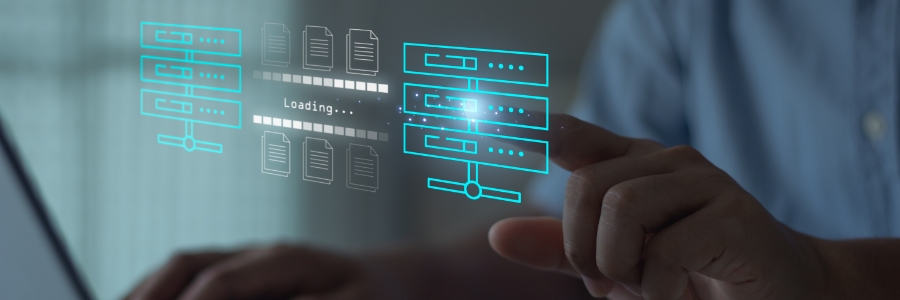
Transitioning from a Windows PC to a Mac doesn't have to be complex and time-consuming. Apple's Windows Migration Assistant is designed to simplify the switch by streamlining the data transfer process. In this step-by-step guide, we'll explore how to use Windows Migration Assistant to transfer your important files, applications, and settings to your new Mac.
Top reasons to choose solid-state drive (SSD) for your Mac
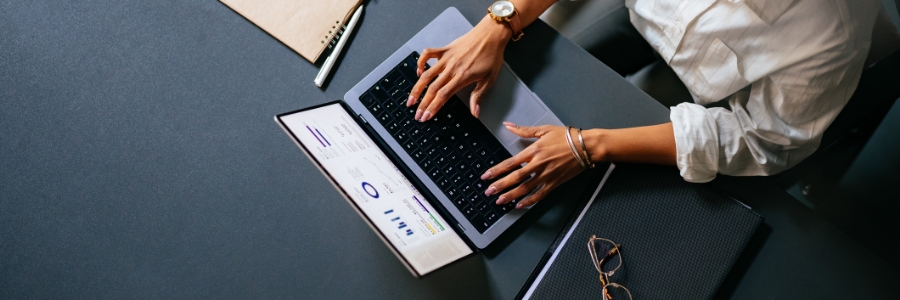
When it comes to enhancing the performance and capabilities of your Mac, upgrading to a solid-state drive (SSD) stands out as one of the most impactful and rewarding decisions you can make. Unlike traditional hard disk drives (HDDs), which use spinning platters to store data, SSDs have flash memory technology, enabling them to access data significantly faster and more efficiently, translating into a host of benefits for Mac users.
How to keep your Mac secure when you’re not using it
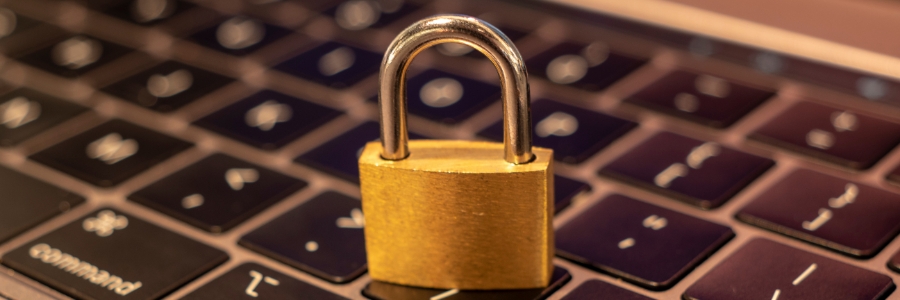
If you use or own a Mac, you should know that thousands of such devices are compromised every year because users fail to lock their devices when they leave their desks. The good news is that there are a few simple things you can do to protect your Mac from theft and unauthorized access.
4 Tips to safeguard your Mac
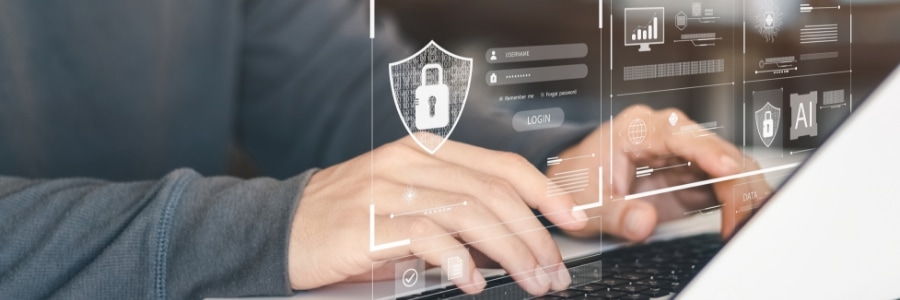
Over the years, there are more and more cyberthreats targeting Mac devices. This is why businesses must implement security measures that can keep their Macs protected. Follow these tips to keep your Mac safe.
1. Adjust your privacy settings
Review and manage your privacy settings by going to Apple menu > System Preferences > Security & Privacy > Privacy.
Signs it’s time to upgrade your Mac
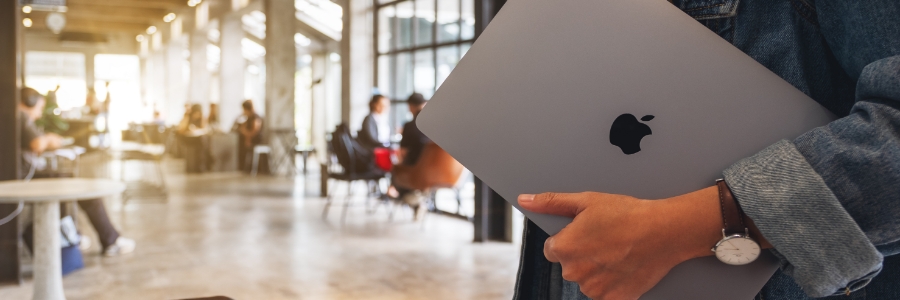
While Macs are known for their longevity and reliability, you will need to upgrade eventually to keep up with the ever-evolving technology landscape. Upgrading can provide you with access to the latest hardware advancements, increased speed and efficiency, and a smoother user experience.
Here’s how to maximize your Time Machine’s potential
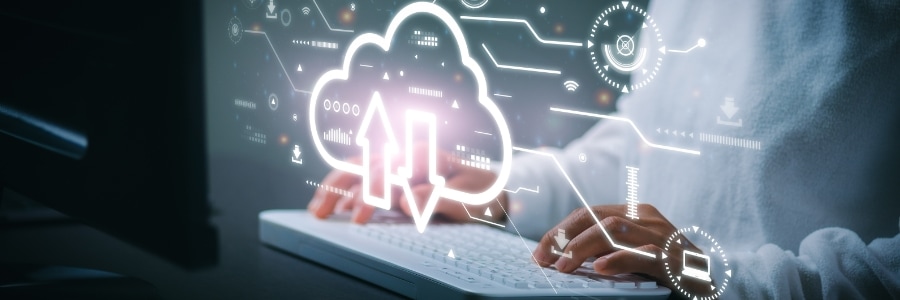
The widespread belief that Mac computers are the epitome of reliability doesn't exempt them from viruses, crashes, or accidents such as spilled liquids and theft. In times of crisis, Apple’s Time Machine can be your trusted ally for recovering precious data.
Malware that can infect your Apple computer

If you've been noticing strange behavior on your Apple computer lately, it could be infected with malware. Read on to learn about the common types of Mac malware and how to detect them.
Types of malware that can target your Mac
The following types of malware can be highly disruptive and cause considerable damage to your Mac.
The benefits of upgrading your Mac with an SSD
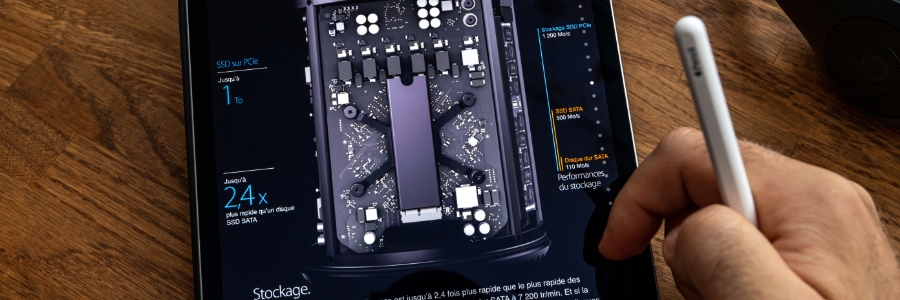
If your once snappy Mac now feels like it’s dragging its feet, a solid-state drive (SSD) upgrade could be just the thing that will breathe new life into it. But even if your Mac is still running pretty well, the benefits of an SSD upgrade may convince you to make the switch from a hard disk drive (HDD). Here’s a look at some of the key advantages of SSDs over HDDs.
SSDs are more reliable
All types of disk drives are more likely to fail with age, but SSDs are more resistant to age-related degradation than HDDs. This is because most modern SSDs use NAND flash memory, which is not as susceptible to the wear and tear that HDDs experience with their spinning disks.