
Even the most high-tech and innovative computers can slow down when you store too many files on them. If you want to ensure that your Mac performs at its best at all times, you should turn decluttering into a habit.
#1 Clean up your desktop
The desktop is a convenient location for storing files and shortcuts, so it tends to become messy within a short amount of time.
Keep your Mac clutter-free with these 10 tips

5 ways to enhance your new laptop

Getting a new laptop, especially one of the latest models, can be very exciting. You can look forward to a better user experience with faster speed, more memory, and better battery life. But it’s all for nought if you don’t take certain preventive steps before using your new machine.
How to tell if your Mac has a virus

Apple products often come with an air of invincibility, and through the years, they’ve shown resistance to threats in ways Microsoft computers aren’t privy to. This, however, does not mean that Macs aren’t invulnerable.
Viruses that affect Macs
There are four general virus types that hit Apple products, and their effects can range from merely annoying to downright destructive:
Adware
Adware are unwanted programs that bombard users with pop-up advertisements.
Want to get rid of your Mac? Not so fast

Buying a secondhand Mac is a popular way to save money on relatively expensive equipment that retains its value. Conversely, selling your used Mac is a great way to expose yourself to potential identity theft. Keep your personal information safe when getting rid of a Mac computer by adhering to these tips.
The benefits of upgrading your Mac with an SSD
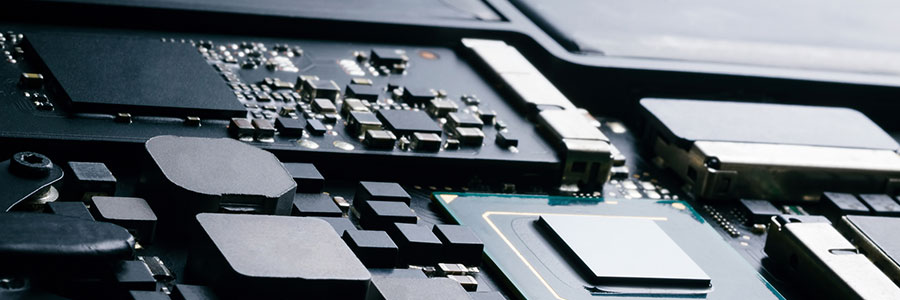
If you have an older Mac, it probably has a hard disk drive (HDD) for storing your data. Newer models, however, have a solid state drive (SSD), which has become the standard in data storage in recent years. You can enjoy the advantages of SSDs by upgrading your Mac with one today.
Slow Mac? We’ve got tips to make it run faster
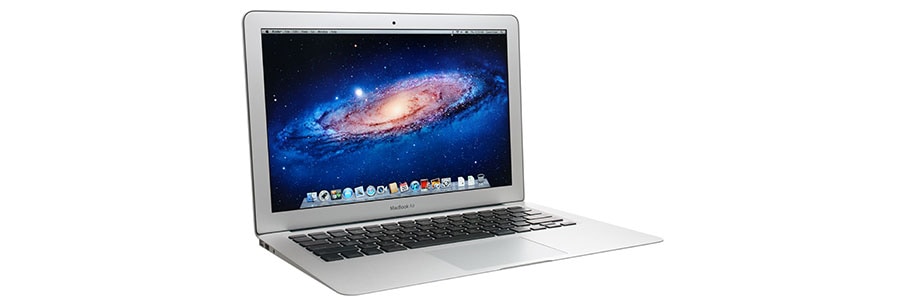
Did your Mac slow down after you installed macOS Mojave? Or do you suspect that its sluggishness is caused by nearly empty memory storage space? No matter what caused your Mac to slow down, things are not hopeless. Here are some ways to speed it up.
Clean up your Login Items
The Login Items list (or “Startup List”) contains all the apps and programs that automatically start when you log in.
2018 Top time-saving tips for Macs

We are driven by instinct to switch to tools that increase efficiency. This is as true as when our ancestors upgraded to sharper spears, as it is now as we continually update the operating systems of our Macs. However, there have been so many macOS improvements over the years that we often overlook the more beneficial ones.
How to protect your Mac computer
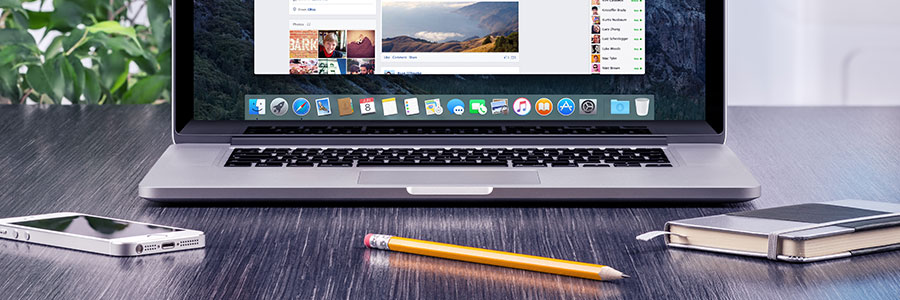
As a business owner, you work hard to succeed. But that can be difficult when you’re up against stiff competition and notorious cybercriminals. The future may be unpredictable, but that doesn’t mean you should take the security of your Mac device for granted.
What’s new for macOS Mojave?
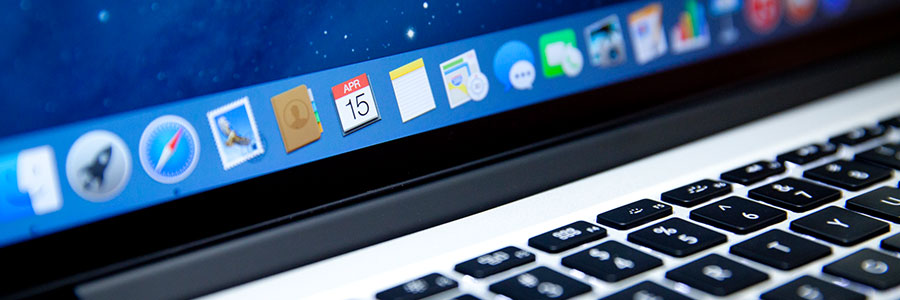
MacOS Mojave is the newest addition to Apple’s long list of operating system updates, as announced on June 4, 2018. And like its predecessors, the new OS comes packed with a bunch of great new features. Here are five of them.
Dark Mode
Did you ever wish your computer windows were not just plain ole white? If yes, you’re in for a treat.
HTTPS matters more for Chrome

HTTPS usage on the web has taken off as Chrome has evolved its security indicators. HTTPS has now become a requirement for many new browser features, and Chrome is dedicated to making it as easy as possible to set up HTTPS. Let's take a look at how.
For several years, Google has moved toward a more secure web by strongly advocating that sites adopt the Secure HyperText Transfer Protocol (HTTPS) encryption.