
It is common knowledge that Windows computers tend to deal with an assortment of viruses and malware, but many people fail to realize that even Macs face similar threats. As virus creators have become more adept at finding back doors and other vulnerabilities, more and more Macs have also fallen prey to malware.
Myth busted: Macs are NOT immune to viruses

Repurposing an outdated computer
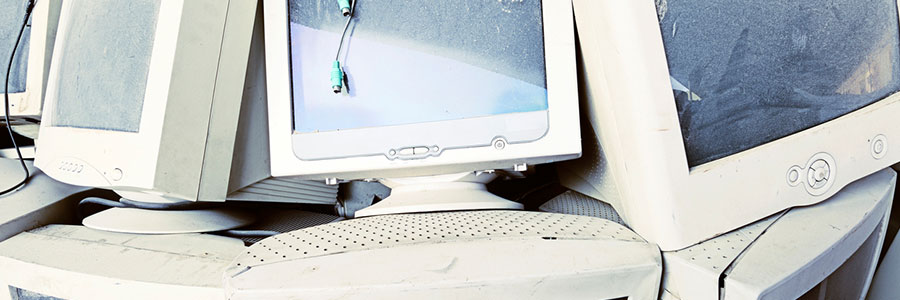
Sooner or later, you’re going to have to replace your computer. But while it may not be as fast as when you first got it or as sleek as your new computer, your old desktop or laptop might still have a lot to offer. Below are a few ways you can repurpose an outdated machine.
Should you replace your Mac?
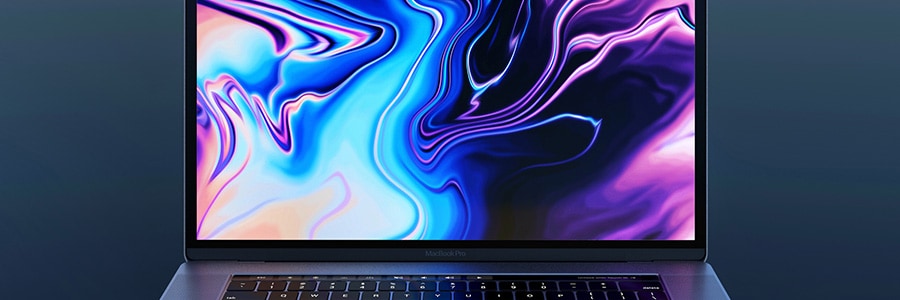
If you’ve owned a Mac for quite some time, it’s probable that you’ve gone through a few issues while using it. And after a while, using it can be more of a hassle than a convenience. If you’re already experiencing some major issues, it may be time to replace your Mac.
All about macOS Catalina

macOS Catalina’s October 2019 rollout is only a few days away, and many can’t wait to see what the new and improved operating system has in store. Here are some of the features to look out for in Catalina.
Before you download macOS Catalina, make sure your device meets the system requirements.
5 Cool features of macOS Catalina

macOS Catalina is the latest version of Apple’s operating system for Mac computers. From three new apps for managing music, podcasts, and your favorite movies and TV shows to productivity- and creativity-boosting programs, Catalina offers a myriad of exciting features that will enhance overall user experience.
How to tell if your Mac has a virus

Apple products often come with an air of invincibility, and through the years, they’ve shown resistance to threats in ways Microsoft computers aren’t privy to. This, however, does not mean that Macs aren’t invulnerable.
Viruses that affect Macs
There are four general virus types that hit Apple products, and their effects can range from merely annoying to downright destructive:
Adware
Adware are unwanted programs that bombard users with pop-up advertisements.
Useful tweaks for your new MacBook
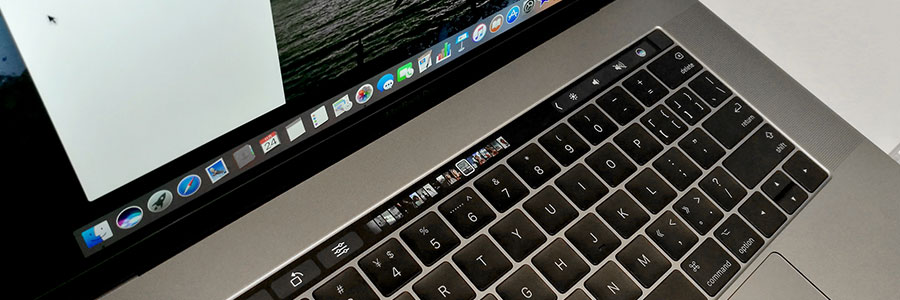
Like other Apple products, MacBooks are notoriously expensive, especially compared to their Windows counterparts. But as legions of personal and business users will tell you, a MacBook is well worth the price. And to make sure you get the most bang for your buck, you need to set it up properly by tweaking these settings.
Want to get rid of your Mac? Not so fast

Buying a secondhand Mac is a popular way to save money on relatively expensive equipment that retains its value. Conversely, selling your used Mac is a great way to expose yourself to potential identity theft. Keep your personal information safe when getting rid of a Mac computer by adhering to these tips.
Breathe new life into your old PC
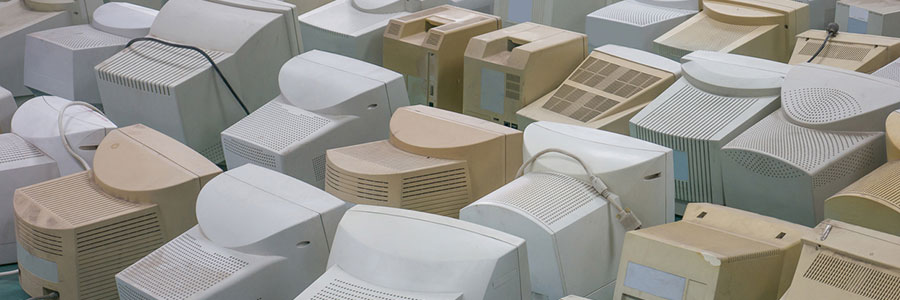
Don’t be so quick to dump that old computer! Despite being slow, clunky, and prone to crashes, your old desktop or laptop might just be perfectly usable — after a few light upgrades that will breathe new life into it and enable you to use it for other computing needs.
Slow Mac? We’ve got tips to make it run faster
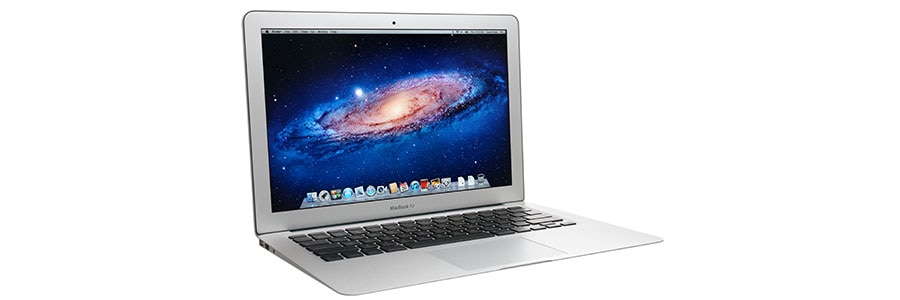
Did your Mac slow down after you installed macOS Mojave? Or do you suspect that its sluggishness is caused by nearly empty memory storage space? No matter what caused your Mac to slow down, things are not hopeless. Here are some ways to speed it up.
Clean up your Login Items
The Login Items list (or “Startup List”) contains all the apps and programs that automatically start when you log in.