
If you're like most people, you probably think it's time to buy a new computer when it starts to slow down or crash all the time, and when it’s just generally not meeting your needs. But before you go shopping for a new computer, consider all of the ways that your old one could still be useful.
Ways to breathe new life into your outdated computer
A quick clean installation guide for Windows 11

A clean installation of Windows 11 is a great way to get your computer running like new again. It involves completely erasing all the data on your hard drive and then reinstalling Windows from scratch, with no software or files left over from previous versions.
How to conserve electricity with your PC
Did you know that putting your PC to sleep when not in use could lead to savings of up to $50 a year? You can further increase your savings by following these PC power-saving tips.
1. Reduce your computer monitor's brightness
Most monitors have a built-in sensor that adjusts the screen’s brightness according to the amount of light in the room.
Turn off these Windows 11 settings to protect your privacy

Windows 11 helps users by giving useful suggestions as they type and by displaying ads based on their online searches. But these can feel invasive, especially if you don’t want anyone prying into your online activity. To ensure your privacy and keep Microsoft’s watchful eye off your computer activity, follow these tips.
Migrate your files seamlessly from a Windows PC to a Mac

Migrating a large amount of data to a new device can be quite troublesome, especially if you’re switching from a PC to a Mac. Fortunately, you can do it easily with Apple’s Windows Migration Assistant. Seamlessly transfer your data and get your Mac set up and ready to go by following these steps.
4 Quick ways to speed up your Windows 10 PC

If your Windows 10 PC is showing signs of slowing down, there are ways to speed it up. Here are some quick, easy ways to improve your computer’s performance without spending hundreds of dollars on a replacement.
Prevent programs from launching at startup
Windows makes certain programs readily available by loading them at startup.
Reduce your PC power consumption

Nowadays, there’s a computer in almost every home and office. A typical desktop that’s switched on 24/7 for a whole year releases carbon dioxide equivalent to what an average car releases in an 820-mile drive. To save energy, you don’t need to make drastic changes.
PC running slow? Clean up your hard drive with this handy tool

If you’re like most people, you want a computer that’s fast and powerful. But when your device is bogged down with unused files and outdated programs, you can't use it efficiently. While this may be solved by expanding your PC's storage with an external drive, there’s a faster way to gain usable storage space without breaking the bank.
Exciting new features in the Windows 10 October 2020 Update
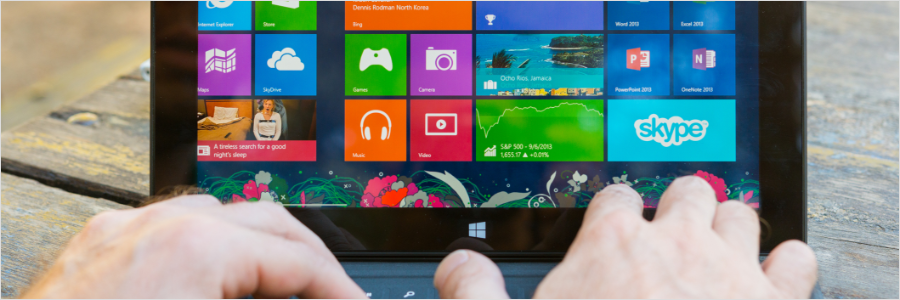
In the past few weeks, Microsoft has rolled out the Windows 10 October 2020 Update. Also known as Windows 10 version 20H2, the latest update to the popular operating system brings a wealth of useful new features designed to improve your PC’s functionality and performance, as well as your overall experience.
Optimize your new laptop with these tips

Laptop computers aren’t cheap, so you’d want to make sure you get every bit of performance for your buck. Bear in mind that they may not be set up to function at their best straight out of the box, so to do just that, you’ll need to take these steps.