
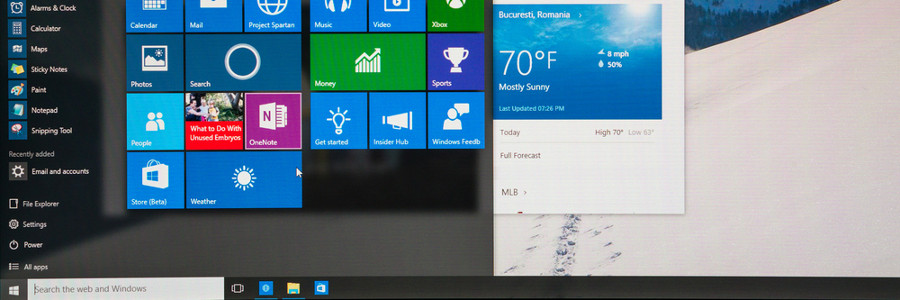
You log into your PC and you’re greeted by an incredibly plain desktop background and an equally drab Start Menu. Suddenly, a notification goes off and tells you that an application you barely use is ready for an update. Sounds like a nightmare, doesn’t it? If you want your desktop to look or behave a certain way, try out these tips to personalize your Windows 10 experience.
Customize your Windows 10 experience
Keep your Windows 10 computer fast with these tips
Do you want your Windows 10 computer to run faster without spending on accessories? These tips will help give your machine a speed boost while keeping it safe from system and performance issues.
Prevent programs from launching at startup
Windows loads several programs at startup so they’re quickly available.
Windows 10: Tips to protect your privacy
Many business users are becoming more and more concerned about data privacy. If you’re a Windows 10 user and you’re concerned about how the operating system collects your data, follow these tips to ensure your data’s protection.
Slip off the grid
Thanks to location tracking, nearby restaurants and future weather predictions are at your fingertips.
What’s new in Windows 10 Redstone 5
With Windows taking up 36.3% of the total market share of operating systems worldwide, it’s no wonder every major update of Windows is highly anticipated. After the release of Windows 10 Redstone 4, enthusiasts now eagerly await Windows 10 Redstone 5. We’ve compiled the most significant updates of the system.
Windows 10: Tips to make your life easy

Perhaps you’re one of the thousands of Windows 8 users who rejoiced in the return of the Start Menu, the improved multitasking feature, and a more prominent Cortana display in Windows 10. But there are more key functions in Windows 10 you probably didn’t know about.
What to tweak when setting up Windows 10
There are things that need to be done after unboxing a new laptop. After installing Microsoft's Windows 10, you need to unlock its full potential by tweaking some important settings. The best thing to do is get help from a technician, but there are a few things you can do without assistance.
Back up files using Windows 10 tools

Ransomware attacks are in the headlines again, and thankfully, business owners are becoming more aware of the malicious software’s damaging effects. Companies realize that without safe and reliable data backup, important business information can fall into the wrong hands.
OneNote removed from Office 2019 and Office 365
People who use OneNote for Windows are in for a surprise. The desktop version of the app will be phased out in favor of the UWP (Universal Windows Platform) app included with Office 365 and Microsoft Office 2019.
Microsoft's OneNote desktop application is nearing the end of its journey, as the software giant will stop developing the product line past the 2016 edition.
Get Windows 10 Space Without Buying a New Disk

Always consider freeing up more space on your computer. On Windows 10 devices, it’s almost inevitable that storage will quickly run low as the total file size of photos, videos, and music continues to increase. Still, there are easy ways to maximize your disk space so you don’t have to purchase a new drive unless truly needed.
Browser-Based Biometrics Boosts Security

Earlier this month, the World Wide Web Consortium, announced plans to begin allowing users to log into online accounts with fingerprints, facial scans, and voice recognition. This will not only boost security, but also make account management much simpler.